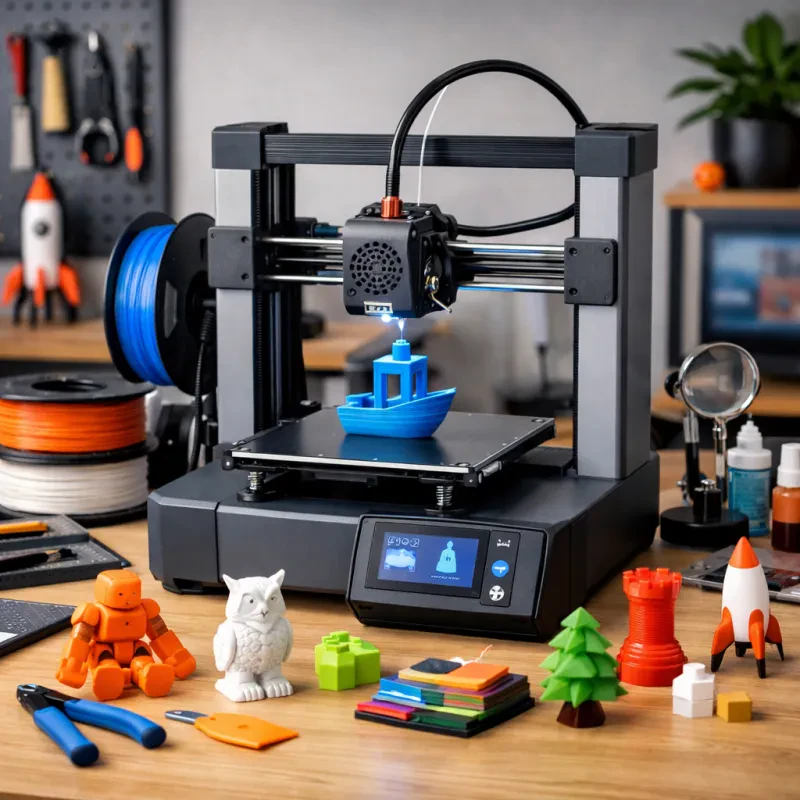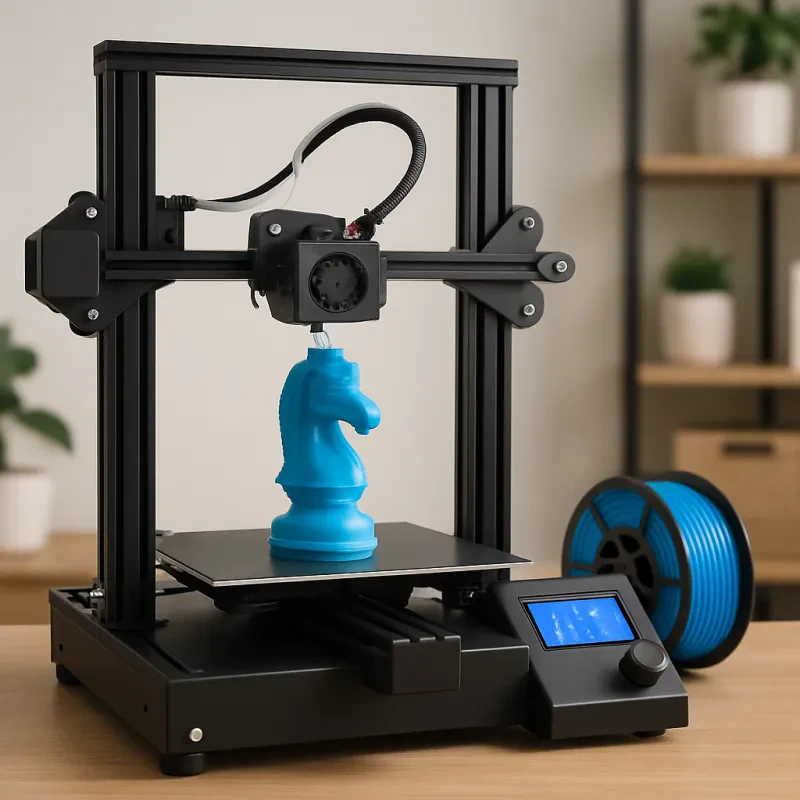
Jumping into the world of 3D printing can feel a bit overwhelming at first, but it really doesn’t have to be! Let’s break it down into simple steps so you can get started with confidence.
First things first, you need a 3D printer. There are tons of models out there, so figure out what you want to print and your budget. If you’re just starting, look for beginner-friendly options like the Creality Ender 3 or the Anycubic i3 Mega. These machines are reliable, easy to set up, and won’t drain your wallet.
Next, you’ll need some 3D models. Websites like Thingiverse and MyMiniFactory offer free designs ready for printing. You can find everything from toys to tools. Just download the files and you’re almost ready to go! If you're feeling creative, software like Tinkercad lets you design your own models, which is super fun.
Once your printer’s set up and you have your design, it’s time to load the material. Most beginners start with PLA filament because it’s easy to work with and doesn’t need crazy temperatures. Just make sure to follow your printer's guidelines for loading the filament.
Now, hit that print button! Watching your 3D printer bring your designs to life is seriously exciting. Just keep an eye on it while it prints, especially for the first few times. If any issues pop up, don’t stress; troubleshooting is part of the learning process. Enjoy the journey of making something cool!
Choosing the Right 3D Printer
Picking the right 3D printer is a big deal, especially if you’re just starting out. You want something that fits your needs without breaking the bank. Think about what you plan to use it for. Are you into making simple prototypes, or are you dreaming of crafting intricate models?
First things first, look at the types of printers available. FDM printers are great for beginners. They use plastic filament and are pretty straightforward. SLA printers give you more detail and are perfect for miniatures, but they can be tricky to set up. So figure out which one suits your style and projects.
Next, consider the build volume. This is the maximum size of the object you can print. If you're aiming to print larger items, a bigger build volume is key. Just keep in mind, bigger printers might come with a heftier price tag. Balance between budget and the size you need.
Don’t forget to check the materials each printer uses. Some only work with specific filaments, while others are versatile and can use a variety. If you want to experiment with different materials, make sure your printer can handle it.
Lastly, look for user-friendly features. Touchscreens, automatic bed leveling, and decent customer support can make your life so much easier. If you’re just starting, these little perks can save you a ton of time and frustration.
Understanding Filaments and Materials
When you dive into 3D printing, understanding filaments is a game changer. These are the materials that bring your ideas to life. The right filament makes a huge difference in the final product, so let’s break down the most common types.
PLA (Polylactic Acid) is a go-to for beginners. It’s super easy to print with and is made from corn starch or sugarcane. If you're looking for a non-toxic option that produces minimal odor, PLA is your best bet. It works well for detailed prints and holds its shape nicely. Just remember, it’s not the best for super hot environments, so keep that in mind when choosing what to create.
Next up is ABS (Acrylonitrile Butadiene Styrene). This one’s a bit trickier but worth it if you're after strength and durability. ABS is what many classic LEGO bricks are made from, so you know it can take a beating. It requires a heated bed for best results and gives off more fumes, so make sure you’re in a well-ventilated space while printing.
Don’t forget about PETG (Polyethylene Terephthalate Glycol-Modified). It combines the benefits of both PLA and ABS. PETG is strong, flexible, and resistant to moisture, making it great for more functional prints. It’s also super easy to work with, so even if you're a beginner, you shouldn't run into too many problems.
Lastly, if you’re feeling adventurous, there are specialty filaments like TPU (Thermoplastic Polyurethane) which is flexible and rubber-like. This can be fun for printing things like phone cases or other items that need some stretch. Just remember, different filaments require different settings on your printer, so always check compatibility before you start.
Basic Maintenance Tips for Your Printer
Keeping your 3D printer in good shape doesn’t have to be hard. A bit of regular maintenance goes a long way in ensuring your printer runs smoothly. Here are some handy tips to keep in mind:
Caring for your printer doesn’t take much time but can really boost performance and lifespan. Plus, it keeps your prints looking sharp and professional! Try to make these maintenance tasks a part of your routine to avoid surprises down the line.